DLSS 5 Swapper Makes Neural Rendering Installation Easier. DLSS 5 Neural Rendering is becoming one of the most interesting
technologies for improving image quality in PC games, but installing it
manually can be complicated. DLSS 5 Swapper simplifies the process by
automatically handling the required files, ReShade integration and
backups.
👍DLSS 5 in just a few clicks
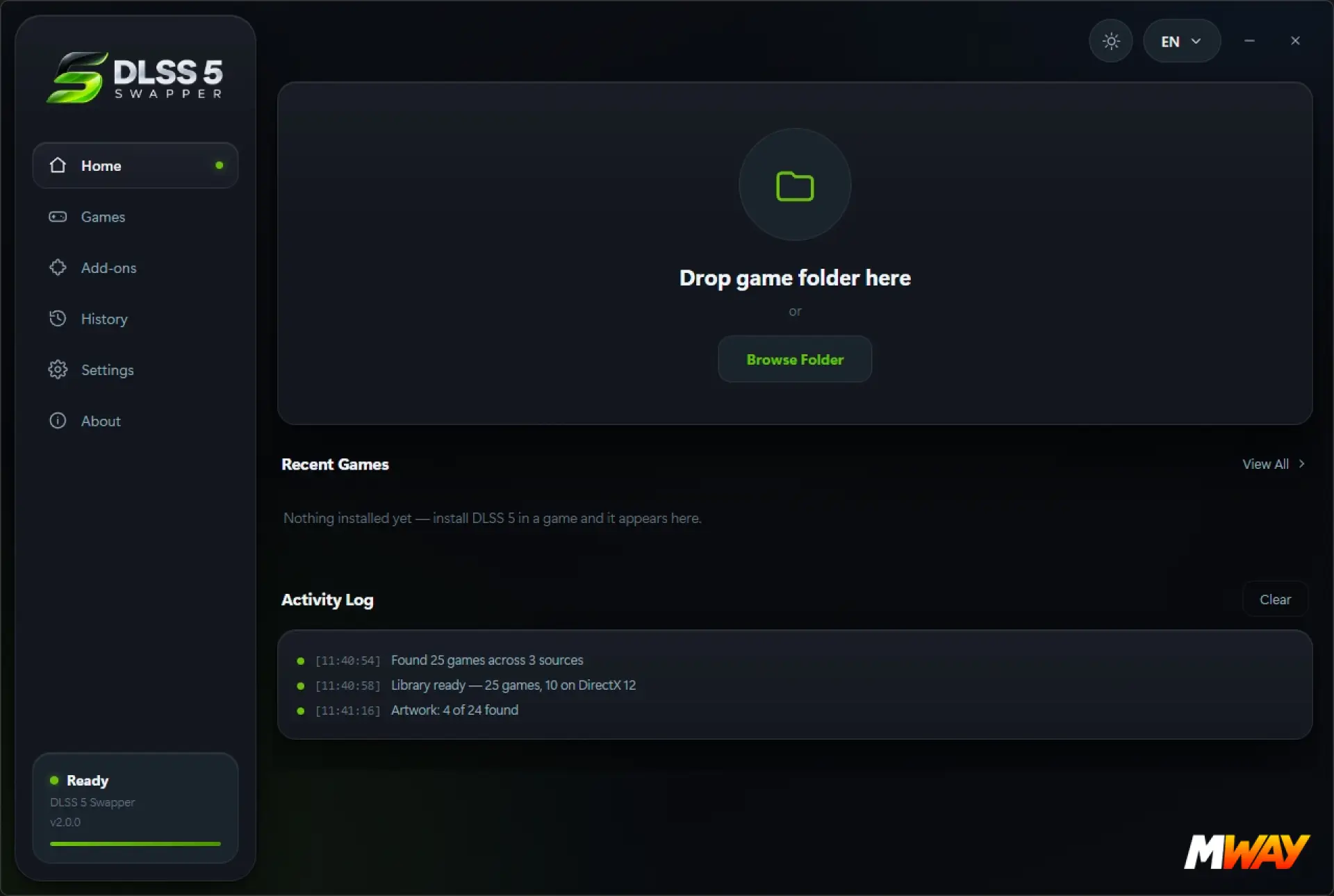
Select a game's installation folder, and DLSS 5 Swapper identifies the correct executable, determines the rendering API, and locates the existing DLSS and Streamline files. It also supports more complicated setups, including GTA V Enhanced and Control, where the relevant rendering components can be located in different modules. The required DLSS 5 files, RenoDX add-on, and ReShade Addon installer are bundled with the download, eliminating the need to find and install each component separately.
🧠Backups and ReShade integration
Before modifying anything, the tool creates a _DLSS5_Backup folder containing the original files and a manifest. The Restore originals option can then return the game to its previous configuration and remove files added by the tool. ReShade is handled automatically as well. DLSS 5 Swapper checks whether it is already installed and avoids creating a second installation. For ASI-based setups such as those commonly used with GTA V Enhanced, it can upgrade the existing installation instead of adding another dxgi.dll. The ReShade configuration and preset are backed up beforehand.
🚨Test Games Offline
As with any unofficial modification that changes game files, we strongly recommend testing DLSS 5 Swapper with your games offline first. Do not use modified installations in online modes until you have confirmed that the game works correctly and that the modification is permitted. This is especially important for games with anti-cheat systems, where modified files can potentially trigger warnings, restrictions or other issues.
🔒Security and Windows SmartScreen
DLSS 5 Swapper is open source and MIT licensed, with its source code publicly available. According to the developer, the application also makes no network requests. We scanned the file with VirusTotal, and it came back clean with no malware detections reported during our testing. This should not be considered an absolute guarantee that the software is completely safe, but it is a positive result alongside the publicly available source code. The application is also not digitally code-signed, which is why Windows SmartScreen may display the familiar "Windows protected your PC" warning on first launch. Users should obtain the tool from its official source and verify the download before choosing Run anyway.
✅Our Experience
What makes DLSS 5 Swapper particularly interesting is how much of the installation process it automates. Instead of manually replacing DLLs, searching through Unreal Engine folders, installing the correct ReShade build and figuring out where the RenoDX files belong, the tool handles these steps for you. The result is a much simpler way to experiment with DLSS 5 Neural Rendering while retaining an easy path back to the original game files.
💻Requirements and Limitations
The DLSS 5 add-on supports DirectX 12, DirectX 11, and DirectX 9 games through the included add-on. An NVIDIA RTX GPU is required. Older ReShade installations may need to be updated to an Addon-compatible version, while games installed under Program Files may require administrator privileges.
⚖️Verdict
DLSS 5 Swapper is a convenient and well-designed way to experiment with DLSS 5 Neural Rendering. Automatic game detection, bundled components, ReShade integration and its backup and restoration system remove much of the complexity normally associated with the installation. It provides a straightforward way to try DLSS 5 without manually managing multiple DLLs and configuration files.