Cyber Faces Converter Released
 POSTED March 17, 2010

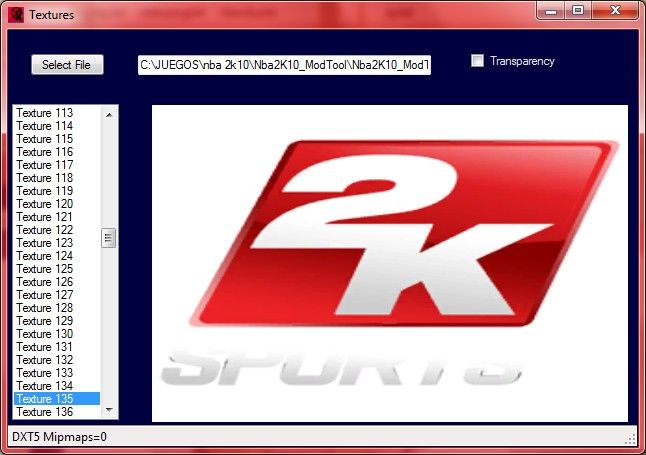
Master jor1980 released his Cyber Faces Converter for Major League Baseball 2K10. But that´s not all. This tool includes an iff textures importer / exporter that works 100% with files like global.iff !!! . Check out the screenshots.

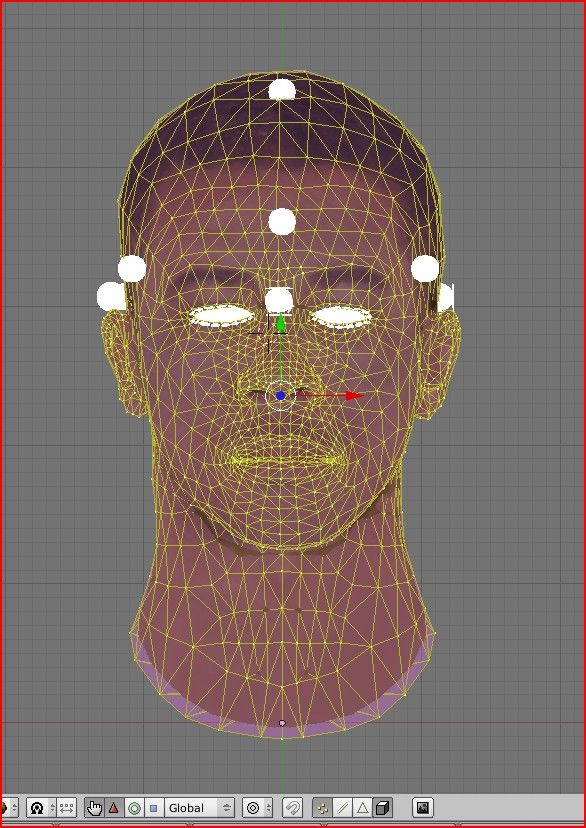
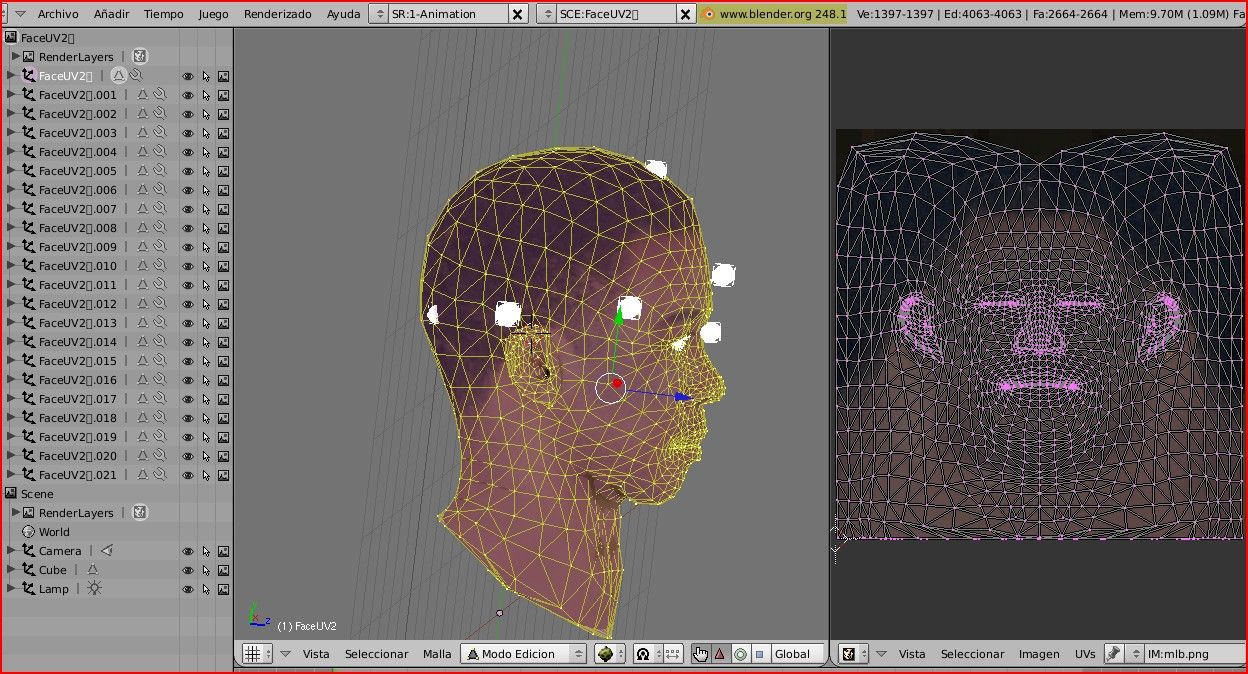
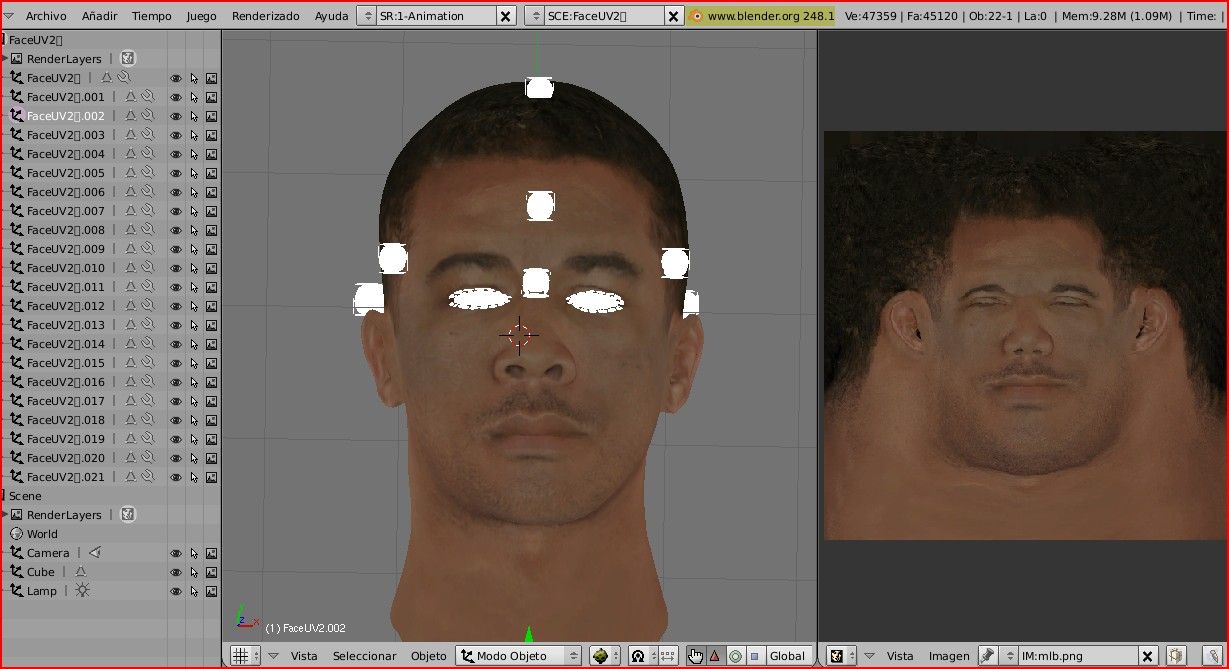
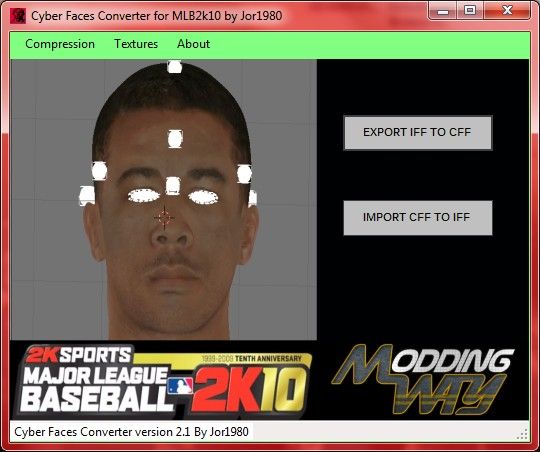
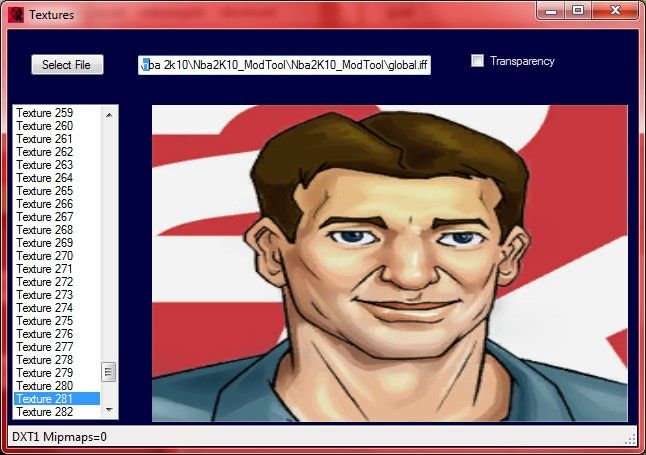
VIDEO TUTORIAL CYBER FACES CONVERTER
MLB 2K10 Cyber Faces Converter
by jor1980
www.moddingway.com
mlb2k.moddingway.com
GET BLENDER FROM HERE
http://www.blender.org/download/get-blender/
Instructions to Import\Export in Blender
TO USE CFC FILES INTO BLENDER YOU HAVE TU PUT THE SCRIPTS PROVIDED
CffExport.py and CffImport.py
INTO ....blender\.blender\scripts\
-To import a cff file to Blender:
-Go to File Menu\Import\ImportCff and select the .cff file
-THEN ZOOM OUT PUTTING THE CURSOR OVER 3D WINDOW AND MOVING MOUSE WHEEL UNTIL YOU SEE THE FACE
-To export the blender face to cff file:
-¡¡VERY IMPORTANT!!:Before export the face you have to select it(right mouse´s button over it), if you don´t do it will be an error on exporting action.
-Then select the name of the new cff or overwrite an existing one.
-You can edit face and hair at the same time making a link to scene, but when you want to export them to cff you have to export each one from a scene where it was alone
Exporting and Importing textures
-it works with iff files
-to import textures just drag and drop your file to the image.
-to export textures click on image and save in your favourite format.
-Check the status-bar of the textures window to see the kind of texture you seeing
-BMP textures must be 32 bits depth, and you don´t need to create them with mipmaps
-DDS textures must be the same compression and must has 8 mipmaps
-I recommend you export textures with the same format that you see in the status-bar
-If you can´t load BMP textures into blender, export it as PNG
Most important Blender Controls
* Rotate 3D: Hold Alt and use left mouse to rotate or central mouse
* Move through UV image editor ( UV map ): Hold alt and use left mouse or central mouse
* Select all / Deselect points: A
* View selected points: Num pad .
* Select Points ( 3d or UV ) : Press B and use left mouse
¡¡¡¡¡VERY IMPORTANT!!!!! ALWAYS SELECT POINTS IN WIREFRAME MODE( or the point wil be duplicated when you move it and the exporting action will crash
*Zoom in/out : Mouse wheel
In players with no hair´s 3d part if you see the hair transparent in blender i recommend you save the face texture as png and then load it into blender
CREDITS
Author : jor1980
www.moddingway.com
mlb2k.moddingway.com